
As is often the case in front-end development, it seems we have so much to learn and so little time to do it. I’ve rounded up another 20+ learning resources, interactive playgrounds, and other goodies for front-end learning.
So please enjoy the seventh installment of our Docs and Guides series and don’t forget to let me know of any others that I haven’t yet included.
This is a site from the official Meteor development team, outlining opinions on best-practice application development targeted at intermediate JavaScript developers who are already familiar with Meteor.
Lists in grid format the names and descriptions of all HTML elements in the W3C and WHATWG specs. If you click an element, you’ll also see example code on how it can be used along with a link to the spec.

Maybe you’re like me and you’re tired of seeing so many ES6/ES2015 resources. Or maybe this is the one that you finally sit down with and it gets you over the hump of absorbing everything that’s new in the ECMAScript spec.
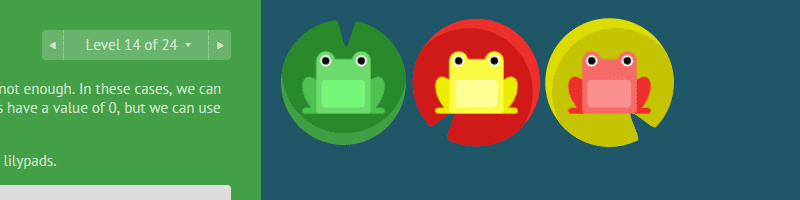
This one made the rounds a short time ago. If you haven’t seen it and want a fun way to study up on flexbox syntax, this is a very nicely done little interactive game/tutorial.
Nicolás Bevacqua’s study into JavaScript habits. This seems to be the first such survey that he’s conducted and he received an over 5,000 survey entries.

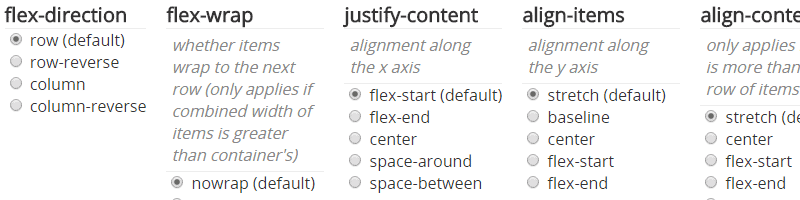
A simple interactive page to help you visualize how each flexbox feature works (flex-wrap, flex-direction, etc).
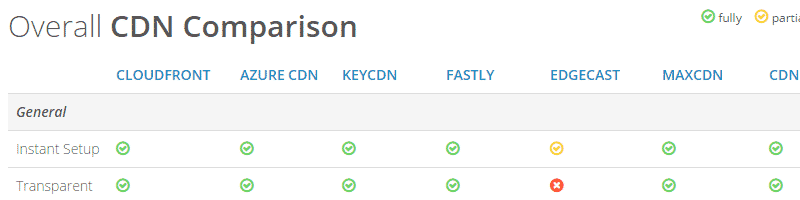
“This collection of information supports you to better find the best CDN for your content delivery needs.”
Part of the official Angular 2 docs, this is a one-stop developer guide with options to lookup syntax for JavaScript, TypeScript, and Dart.

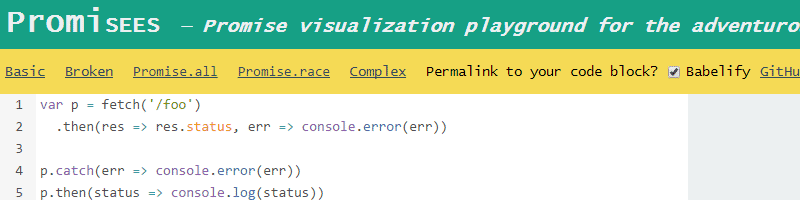
More from Nicolás Bevacqua, this time it’s a visualization playground to help you learn JavaScript’s new promises feature. What’s great about this is the ability to step through the visualized code components with the option to save the animated visualization as a GIF.
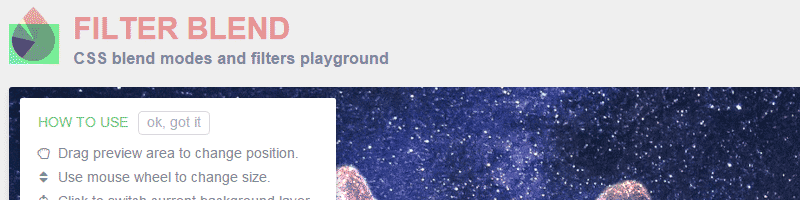
An interactive playground for learning CSS’s background-blend-mode and filter properties.
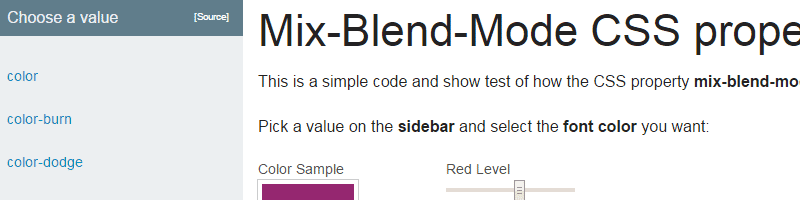
This is similar to the previous site, this time it’s a playground to help you understand the mix-blend-mode property.
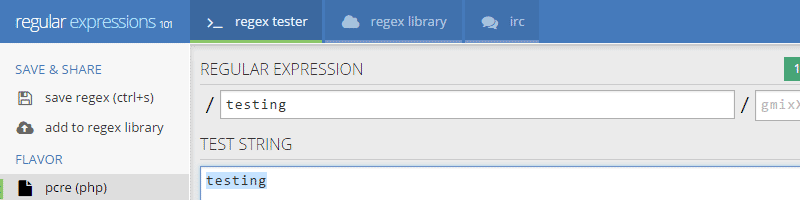
A really nice little interactive tool to help you understand and visualize regular expressions. Includes a quick reference section, an explanation of the expression used, plus the ability to save the expression to a unique URL.
“A collection of working, practical examples of using service workers in modern web apps. Open your Developer Tools console to view fetch events and informative messages about what each recipe’s service worker is doing.”
A lookup site to search for JavaScript libraries, frameworks, and plugins, filterable by categories including animation, DOM, forms, helpers, audio, video, and more.

A set of guidelines for building more secure web properties, covering topics like SSL/TLS, Content Security Policy, cross-site scripting, cookie security, and more.

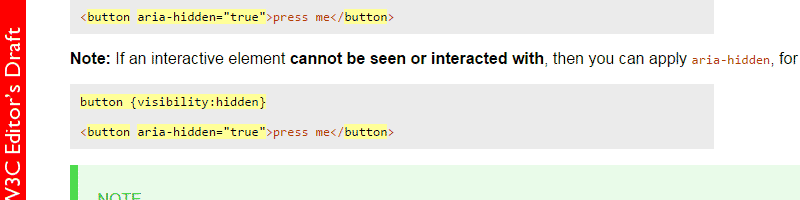
“A practical guide for developers on how to add accessibility information to HTML elements using the Accessible Rich Internet Applications specification [WAI-ARIA-1.1], which defines a way to make Web content and Web applications more accessible to people with disabilities.”
“A searchable catalog of PostCSS plugins.” If you aren’t yet that familiar with the growing community around PostCSS, this might be a good way to learn about the kinds of plugins available.

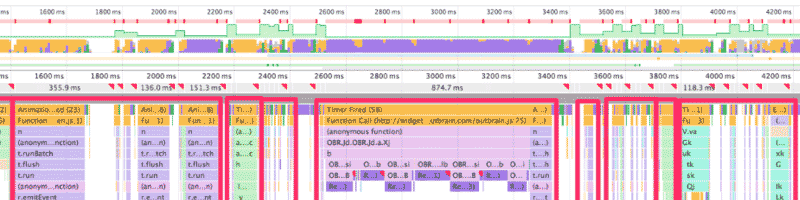
A Gist by Paul Irish that lists various front-end features that, when used in JavaScript, will trigger “reflow or layout thrashing”, which is a common performance bottleneck.
“A listing of every term defined by CSS specs.” Each item links to its place in the spec.

This is a question posed on the Q&A site Slant, showing multiple pros and cons, along with user comments, for lots of different IDEs and text editors.

Honorable Mentions…
Suggest Yours
Here are the previous 5 posts in this series:
If you’ve built or know of another learning resource for front-end developers, drop it in the comments and I’ll consider it for a future post.