
Nadia Sarwar

Nadia Sarwar
چو شب به راه تو ماندم که ماه من باشی
چراغ خلوت این عاشق کهن باشی
به سان سبزه پریشان سرگذشت شبم
نیامدی تو که مهتاب این چمن باشی
تو یار خواجه نگشتی به صد هنر، هیهات
که بر مراد دل بی قرار من باشی
تو را به آینه داران چه التفات بود
چنین که شیفته ی حسن خویشتن باشی
دلم ز نازکی خود شکست در غم عشق
وگرنه از تو نیاید که دلشکن باشی
وصال آن لب شیرین به خسروان دادند
تو را نصیب همین بس که کوهکن باشی
ز چاه غصه رهایی نباشدت، هر چند
به حسن یوسف و تدبیر تهمتن باشی
خموش سایه که فریاد بلبل از خامی ست
چو شمع سوخته آن به که بی سخن باشی


Nick Peplow - 14 Paper Plates - Picture Of The Day

Beautiful black and white photo!

Dahlem, The Milky Way, 2007

installation.
I recently made a project named Furaito (フライト, flight in Japanese). It’s a simple app that checks your emails to find your last flights. It uses Polymer, Import.io and Gmail API. You can check the demo here and the source code here.
Before I write a blog post about how I built this app, let me explains you web components, the root of Polymer.
As you know, the Web has been continuously evolving, even more these last years because of the need of apps working on every platform, the mobile, the realtime.
So far, CSS evolved with a lot of new styling features in its third version. We created preprocessors to make it easier to develop with it.
JavaScript got its preprocessors, and its sixth version is coming soon (modern browsers have already partial support).
But HTML didn’t really evolve. We have now semantic & multimedia tags, but the way we write them didn’t change and preprocessors don’t help that much. We need a change.
Web Components!
When you develop a complex web app, you know that HTML debugging is painful. The depth of your DOM is damn long, and you don’t want to open all elements again and again in your devtools after each refresh of the page.
So what’s this revolution?
Web components bring four new features to help you writing your HTML in a better way:
Forget the time when you had to wrap your templates into an ugly scrip tag:
<script type=”text/tpl”>
Now you have a dedicated tag for that.
First benefit, you will have your syntax coloration back in your IDE.
Secondly, even if there are scripts or videos inside, none of them will be executed until the template is used.
Thirdly, the elements inside your template aren’t considered as part of your DOM until you use them. Clean separation.
You hate to add your templates in your views because you have nowhere else to put them? Me too. Now with HTML import, you can import HTML pages where your templates and scripts tags will be written (DRY).
No need to make XHR requests anymore to do lazy-loading. Good point, the browser will request only one time your imported files. So no need of being afraid to duplicate execution of your scripts. You can import from your imported files too. Importception!
At first, it was hard for me to understand this feature. Why would I like to have sub DOMs? Well to have a perfect sandbox. As you know, it’s painful to check if your components names don’t collides with externals elements (Facebook Login, Timeline widget, Google Maps, etc.).
With Shadow DOM, you can do whatever you want inside your component, it will not impact the parent DOM.
Good news, the CSS is sandboxed too, there aren’t id collisions. Yeah, no need to write very long unique id or class!
The last but not least feature of web components. In AngularJS, you will use directives to create your own elements. So what’s the difference with Custom Elements? Instead having a library dealing with personalized elements, you can have them recognized directly by the browser engine!
They have their own prototype, methods, properties, lifecycle callbacks (element created, attached, detached, attributes changed). Isn’t that cool ☺ ?
In conclusion, Web Components are a much cleaner way to create HTML UI elements. They are sandboxed, importables, clonables in your templates and have their own logic. No need to have an external script to manage them. Their support isn’t still complete, but there are already polyfills (scripts which provide facilities that aren’t built into old browsers).
I’m going to talk more about Polymer in my next article but if you can’t wait, you have to know that it is made on top of web components with a lot of sugar: two-way data binding, bunch of logic & UI components (which can be reused in your components, that’s the point), template syntax a la AngularJS, etc.
Have a look to the talk of Addy Osmani at LXJS, which resumes well these technologies : http://addyosmani.com/blog/video-componentize-the-web-talk-from-lxjs/
This entry passed through the Full-Text RSS service - if this is your content and you're reading it on someone else's site, please read the FAQ at fivefilters.org/content-only/faq.php#publishers.
Poor desktop. Because of the smartphones, tablets and now the watches, all the studies predict its approaching death. But I think they’re wrong.
Of course, the desktop hasn’t the monopoly anymore, but I still think tablets and smartphones are extra units, of course with a lot of features, but you can’t really work on it. You can write your notes on them, but you’ll always want to finish on your laptop for styling, spelling correction, search easier references, etc.
But I’m not going to talk about desktop usage market share but its new apps. Cross platform apps are the dream of every developer.
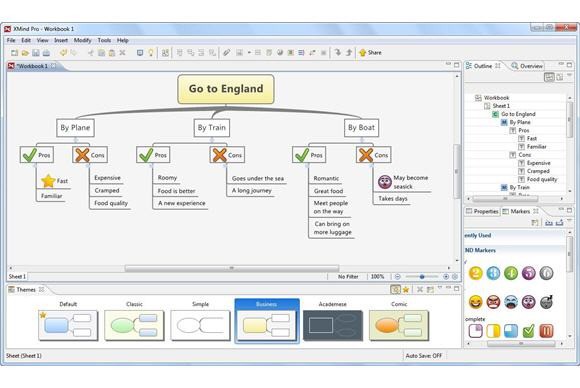
Java was the first try, not that successful unfortunately. There are apps but making a UI with Java is honestly not that easy.
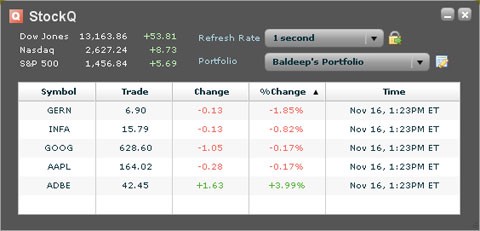
Adobe came with AIR, which was a good idea but maybe too early on its time and wrong technologies. The HTML support was good, but only Flash, Flex apps had a deep integration with the system. Plus using an extra plugin was painful for everyone.
But now it’s different
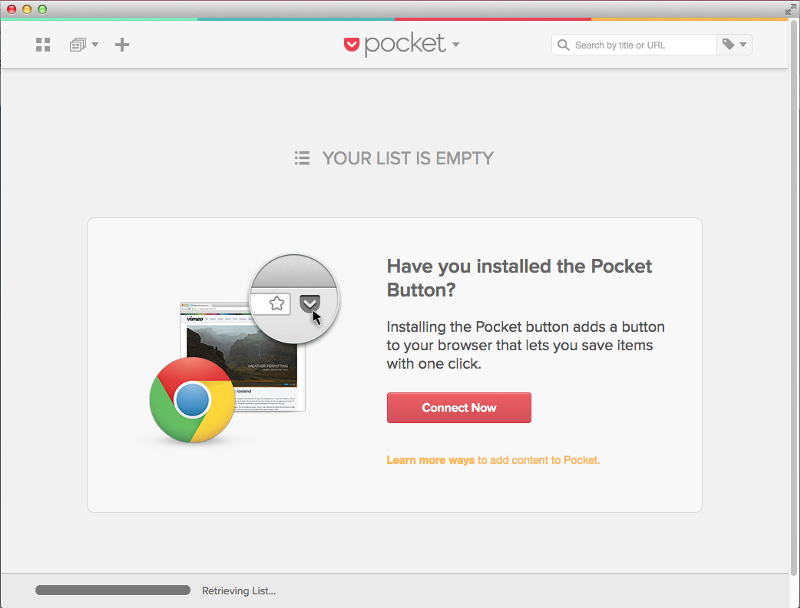
The first one to innovate was Google with its packaged apps (I need to write an entire post about it). They need Google Chrome to be installed but can run separately. Good point, they work on Chromebooks.
Mozilla Firefox made a similar solution with a deeper integration of the browser, and nice idea, the APIs (not all of them) and manifest are the same as Firefox OS apps
I don’t know about Opera and Internet Explorer, and I will not even talk about Safari (honestly Apple is the new Microsoft in terms of evolving the web). They have extensions, but I don’t think they have a similar feature.
But for different reasons, you might prefer to have a standalone app. There are two ways to do that:
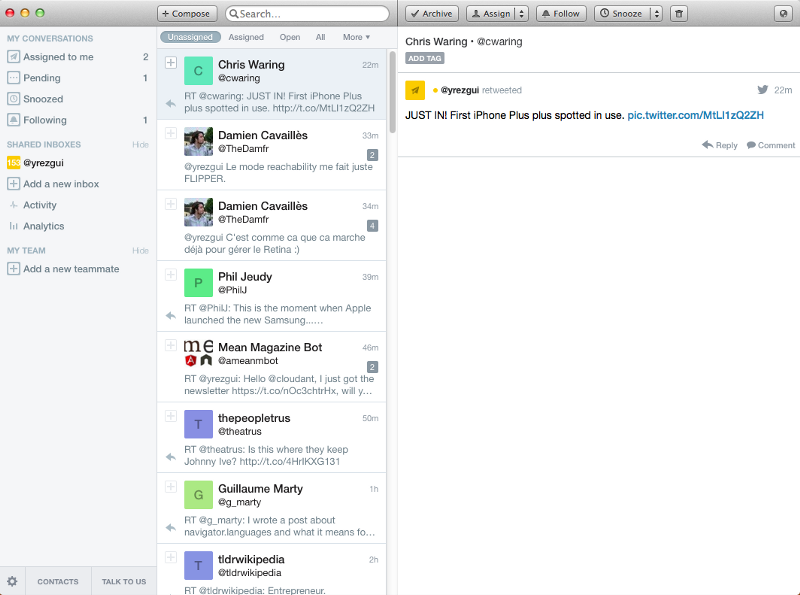
This solution is limited to Mac & Windows 8. You can have a deep UI integration. In Mac, you have to write some Objective-C for that while Windows 8 has a native HTML5 interface (well done guys !). Your code doesn’t need to have a lot of changes if you already have a unique interface. Otherwise, you can still share the logic between the platforms, which represents the big part of your code.
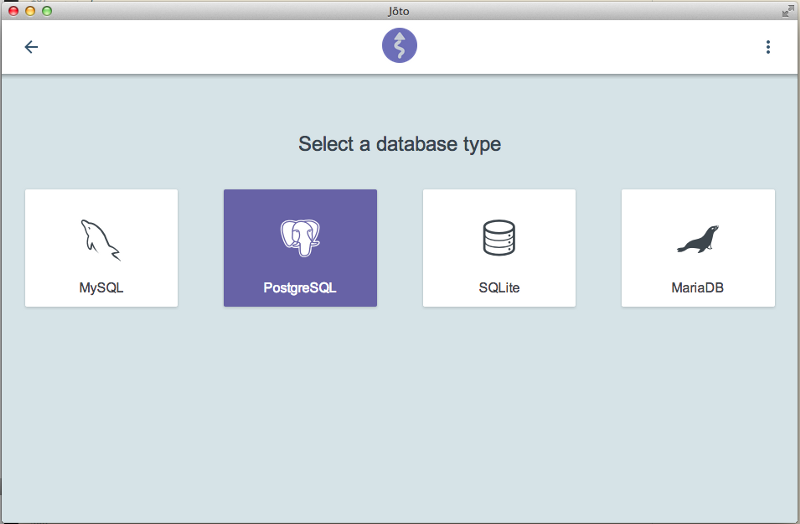
This solution is better for a real cross-platform. It uses an embedded Chromium webview, so no need to install Google Chrome. It has a support on Windows, Mac & Linux. There are different implementations, but the most famous one is Node Webkit by Roger Wang.
It’s a special webview, packing NodeJS inside. You can use node modules inside your HTML page! It includes a native UI package too:
 <script>
 var nw = require(‘nw.gui’);
 var win = nw.Window.get();
 var nativeMenuBar = new nw.Menu({ type: ‘menubar’ });
 nativeMenuBar.createMacBuiltin(‘Jōto’);
 win.menu = nativeMenuBar;
 </script>
There are two huge advantages. You can install packages directly from NPM, and you don’t have to write native code to get a UI system integration.
Have a look to Roger’s talk at LXJS conference:
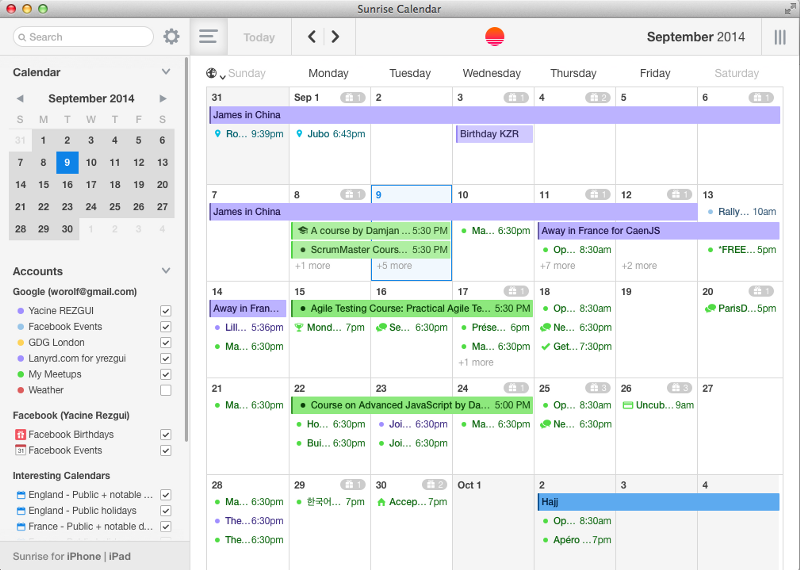
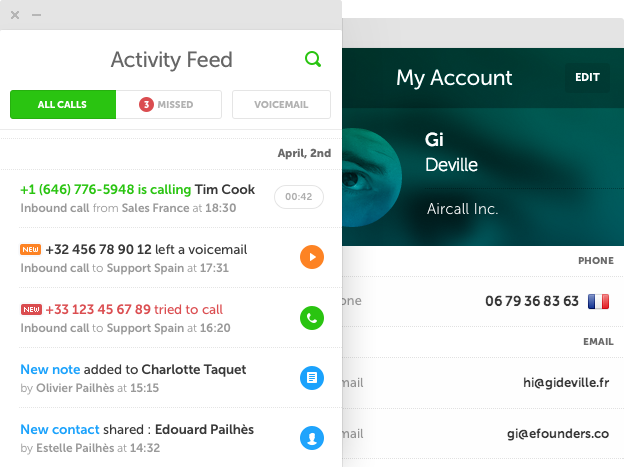
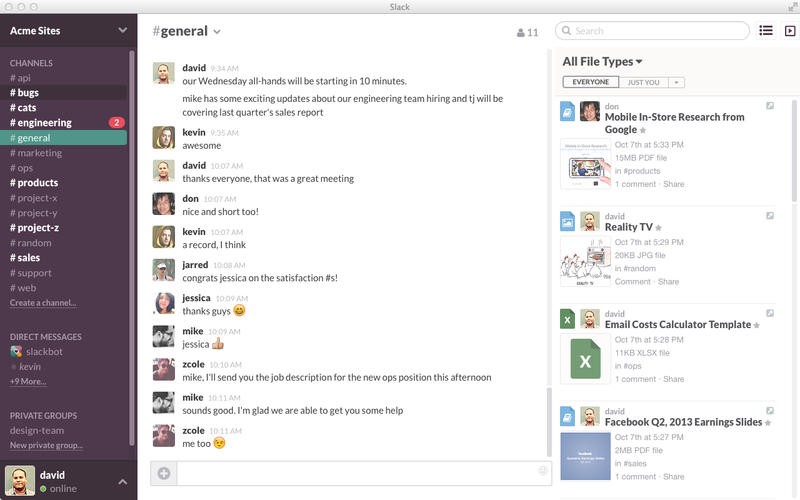
Have a look to these beautiful apps made with HTML5.
You don’t have an excuse to don’t code your desktop app using another technology anymore ☺.
If you have other examples with screenshot, feel free to write a comment to help me update the list.

This entry passed through the Full-Text RSS service - if this is your content and you're reading it on someone else's site, please read the FAQ at fivefilters.org/content-only/faq.php#publishers.